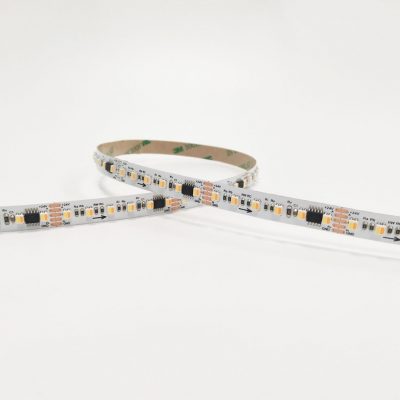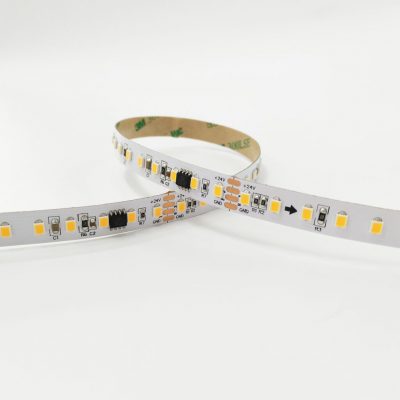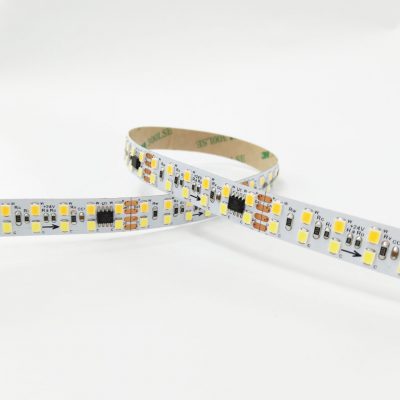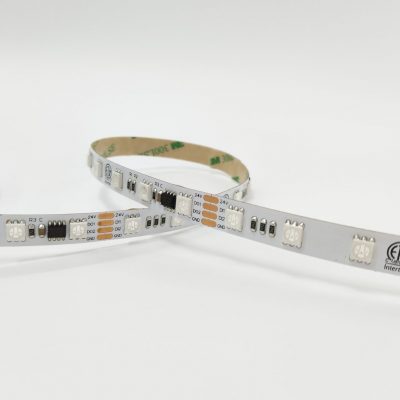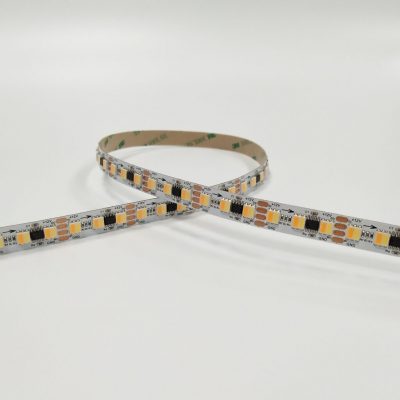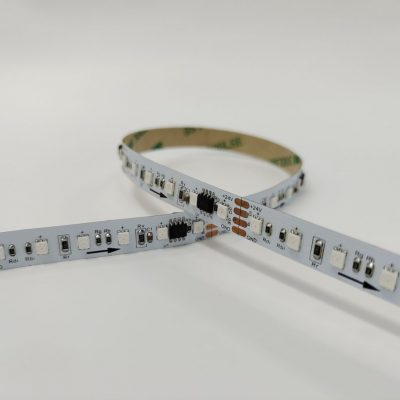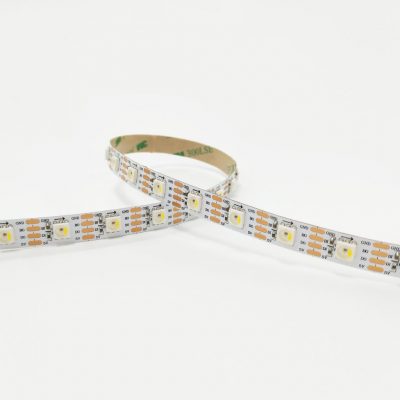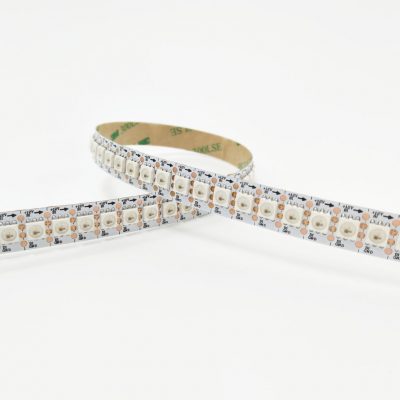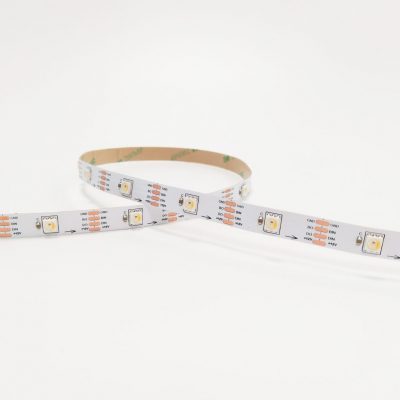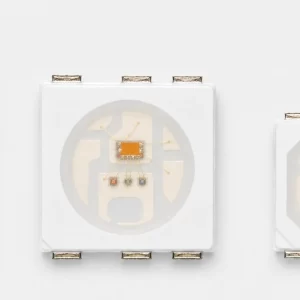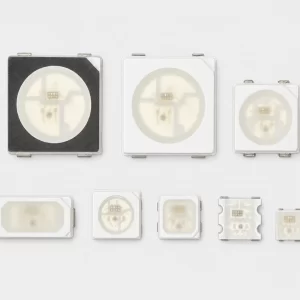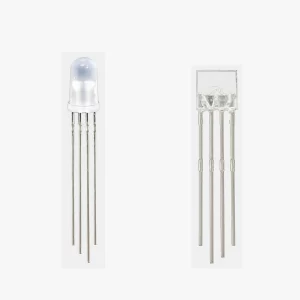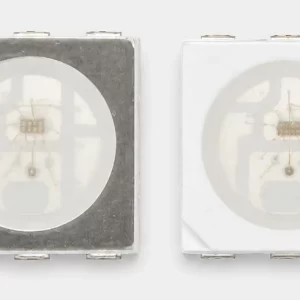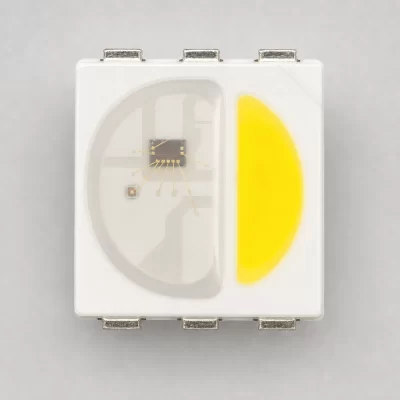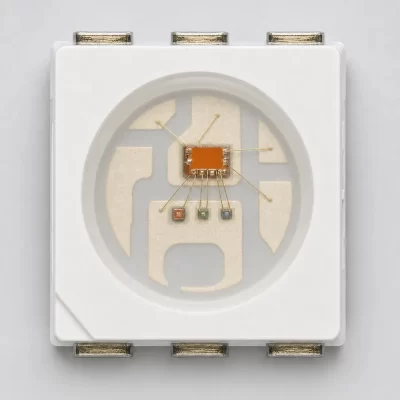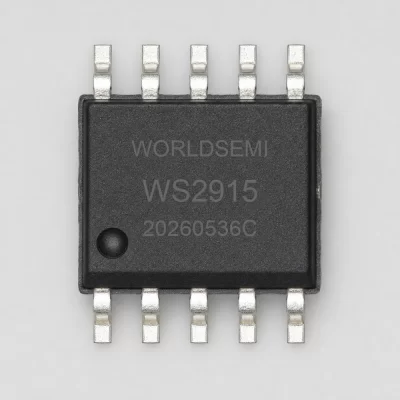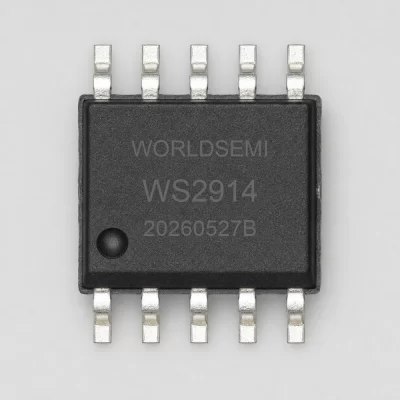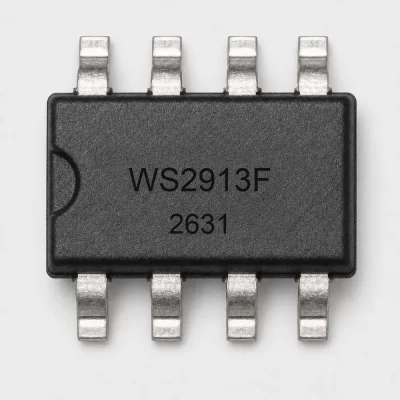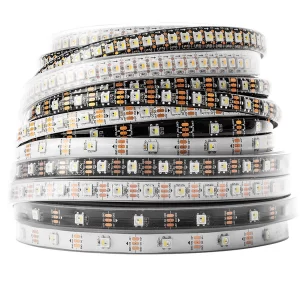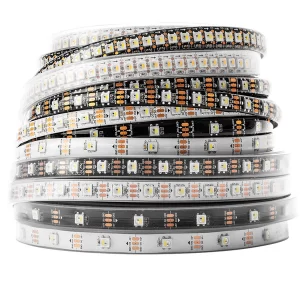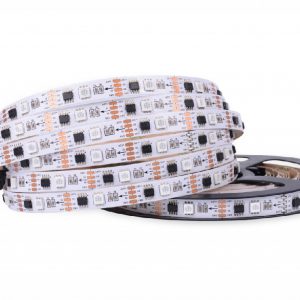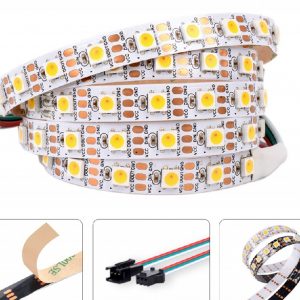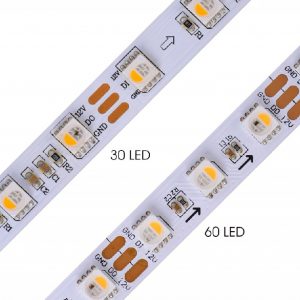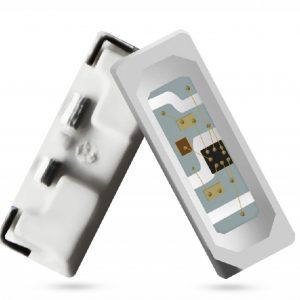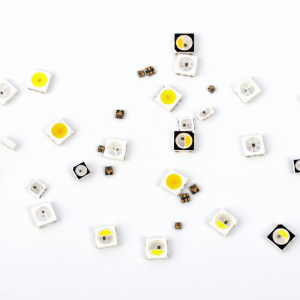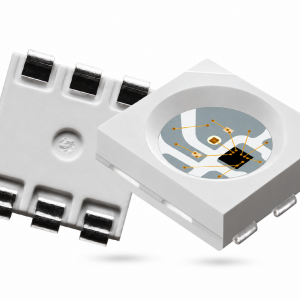
An addressable RGB LED prototype that shows the wrong colour or an intermittent pixel needs a repeatable test, not random changes to several settings at once. This guide provides a small pattern generator and an observation table for a WS2812-family or WS2813-family evaluation. It deliberately separates test data from the hardware driver.
A minimal pixel test plan
| Pattern | What to observe | What it cannot prove |
|---|---|---|
| All pixels off | Unexpected light, resets or uncontrolled behaviour | Compliance with electrical limits |
| One red, then green, then blue pixel | Channel mapping and physical pixel position | Colour calibration or optical bin |
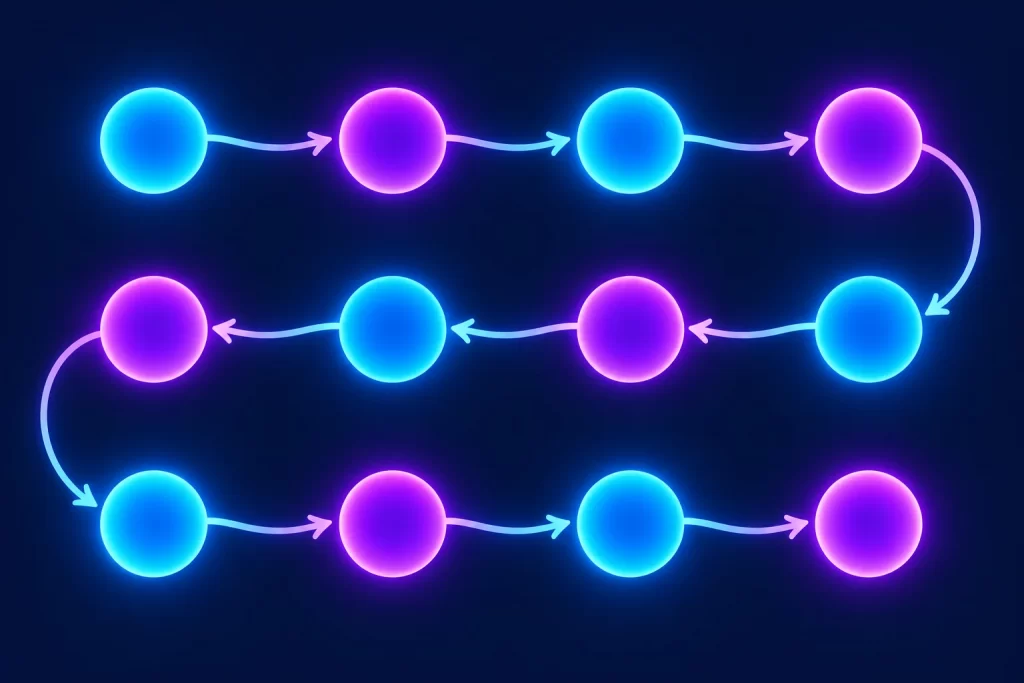
| One white pixel moving along the board | Order, boundary errors and missing positions | Full-load power integrity |
| Alternating lit and unlit pixels | Indexing and logical grouping | Correct operation at every frame rate |
Begin with the current-limited, engineer-approved test arrangement for the exact board. Select brightness and supply limits from the device documentation and the complete assembly design. The numerical colour values below are test intensities, not milliamps, and this script does not calculate safe current.
Python example: generate reference frames
def test_frames(pixel_count, level=16):
    if pixel_count < 1:
        raise ValueError("pixel_count must be positive")
    if not 0 <= level <= 255:
        raise ValueError("level must be in 0..255")
    black = (0, 0, 0)
    yield [black] * pixel_count
    for colour in ((level, 0, 0), (0, level, 0), (0, 0, level)):
        for index in range(pixel_count):
            frame = [black] * pixel_count
            frame[index] = colour
            yield frame

# Host-side reference data only; this does not drive a GPIO.
frames = list(test_frames(4))
assert len(frames) == 13
assert frames[1] == [(16, 0, 0), (0, 0, 0), (0, 0, 0), (0, 0, 0)]
assert frames[5][0] == (0, 16, 0)
The tuple convention is logical RGB. Your hardware backend may require a different byte order, timing or reset interval. Map the logical frame to the approved driver for the exact part and platform. This code sends no wire protocol and is not a tested WS2812, WS2811 or WS2813 hardware driver.
Troubleshooting by observation
| Observed symptom | First controlled check | Record for engineering |
|---|---|---|
| Red command appears green | Compare logical RGB with backend channel mapping | Expected tuple, transmitted order and observed colour |
| Only the first section behaves correctly | Check configured pixel count and actual assembly grouping | Last correct position and board revision |
| Intermittent resets as more pixels light | Investigate the approved supply and signal arrangement | Pattern, test setup and measured conditions |
| A WS2813 assembly fails after a fault | Review exact bypass topology and defined fault scenario | Variant, fault location and recovery behaviour |
Do not deliberately short pins or create uncontrolled hardware faults to test bypass claims. Fault testing requires an engineering procedure and suitable equipment. WORLDSEMI describes WS2813-family signal-bypass support; that description is not proof that every installation survives every failure.
Application example: a small display module
For a four-pixel indicator module, run the 13 frames and record which physical position lights for each logical index. If the order is reversed, fix the documented mapping rather than changing the part specification. If the channel colours are swapped, inspect the backend configuration. Change one variable, repeat the same sequence and retain the result with the sample identity.
After the logic test passes, engineering still needs to assess the electrical, thermal, optical and assembly requirements under the real operating conditions. A low-intensity bench demonstration cannot qualify the complete product at maximum intended load.
What to include in a technical enquiry
Share the exact part and revision, board or strip reference, controller platform, backend name and version, pixel count, expected result and observed symptom. A short pattern log is more useful than saying the LEDs do not work. Remove private customer information and credentials from any shared log.
Discuss your application through the YF-WIND enquiry form. Include the complete part number, package, quantity, destination country and the specific design question. Price, availability and delivery require a current quotation. WORLDSEMI references identify the manufacturer; this article does not claim an authorized-distributor relationship.