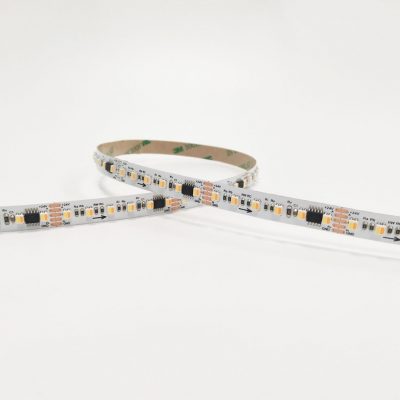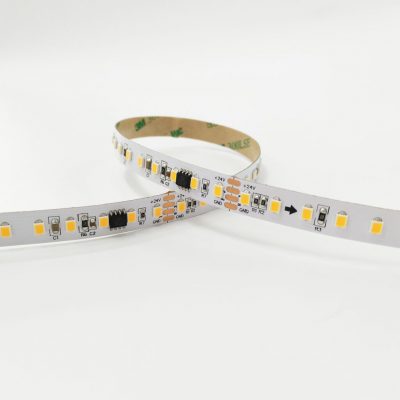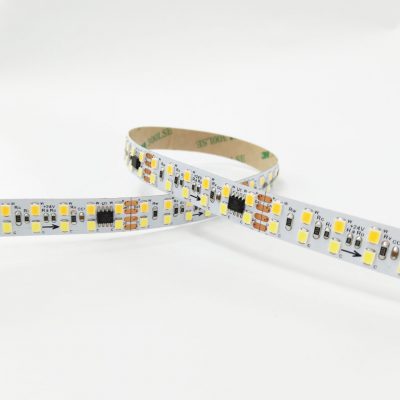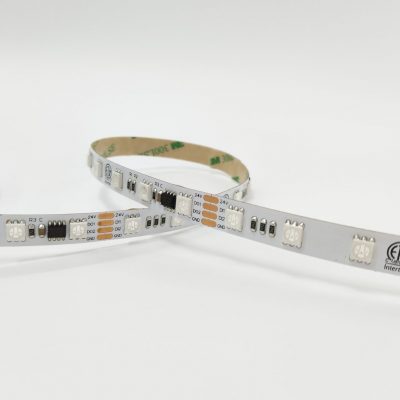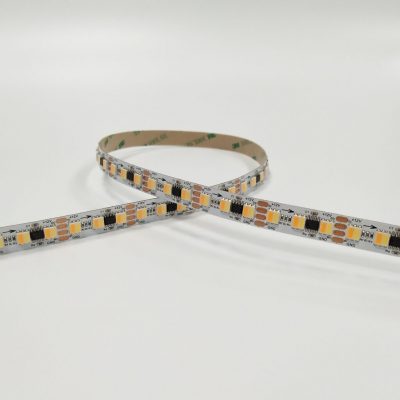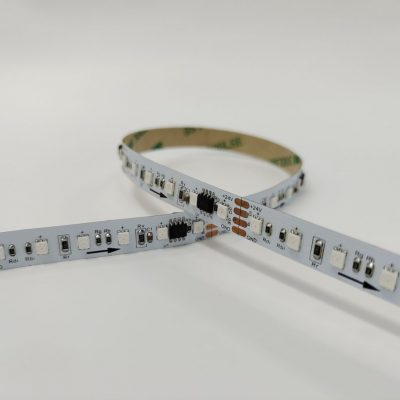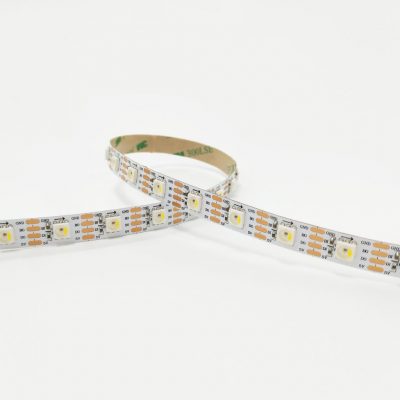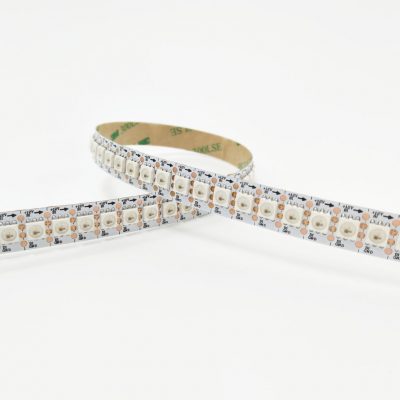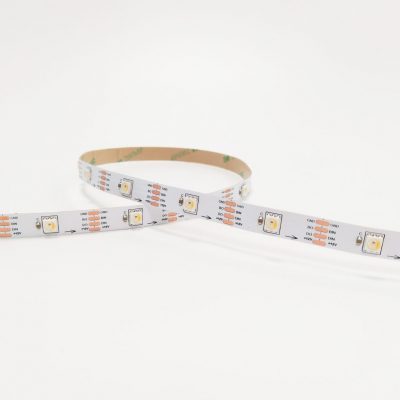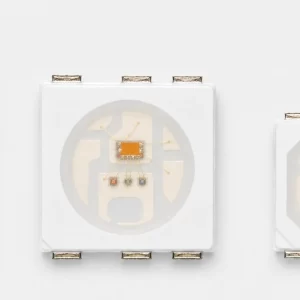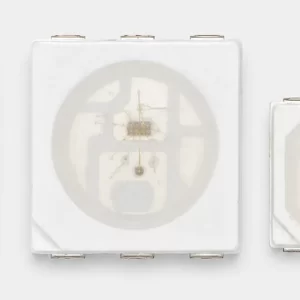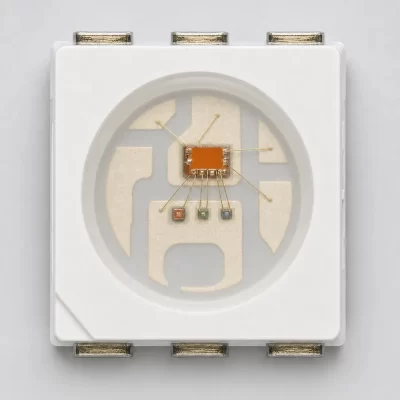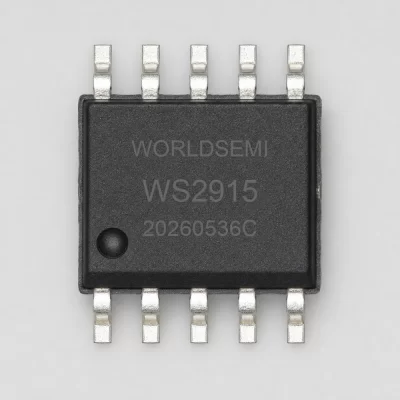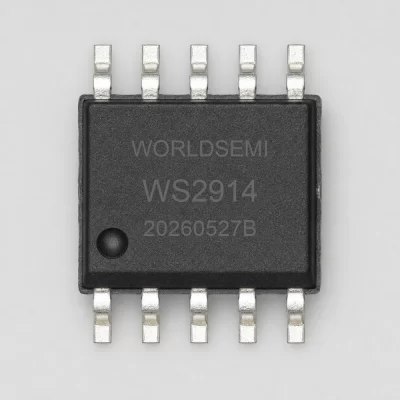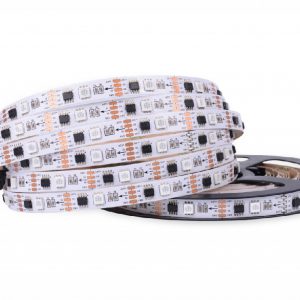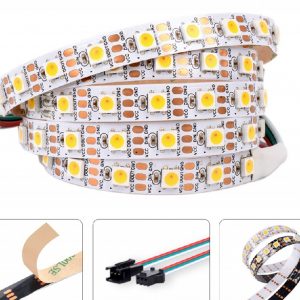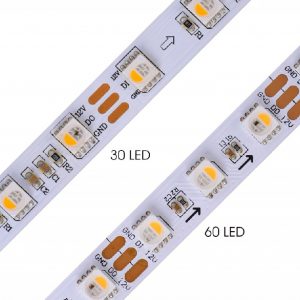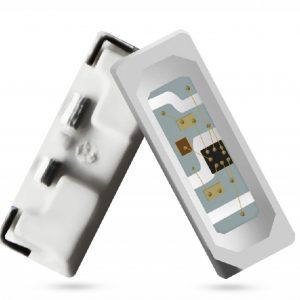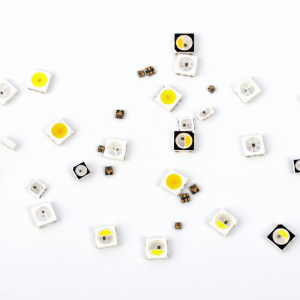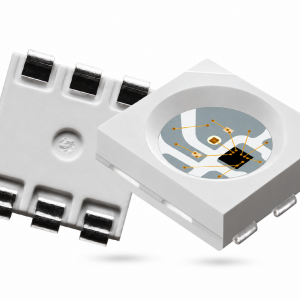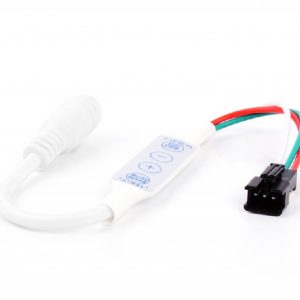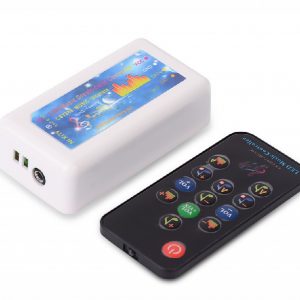
WS2813 searches often begin with the phrase dual-signal addressable RGB LED. For a real design or purchasing decision, that phrase needs to become a specific part reference and a reviewed circuit. This guide helps buyers ask the questions that connect the catalogue description to a board, prototype or repeat order.
Start with the actual WS2813 variant
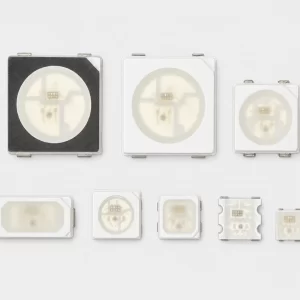
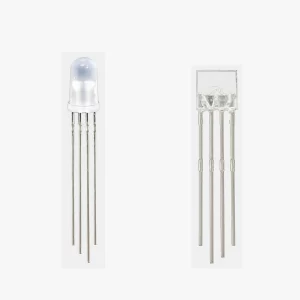
The WS2813 family catalogue describes a dual-signal digital LED range and lists several variants. Use the catalogue to locate candidates, then review the datasheet for the complete proposed device. Do not assign one electrical specification to every part carrying WS2813 in its name.
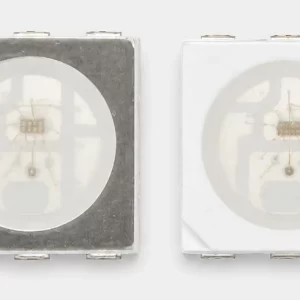
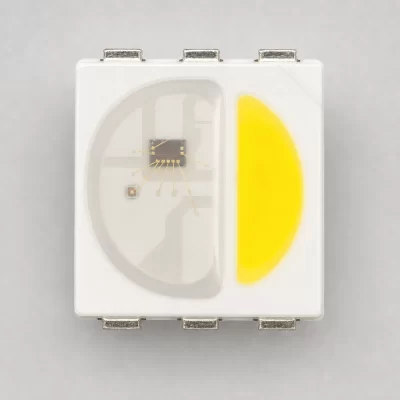
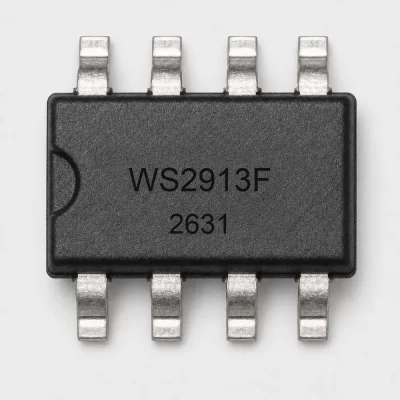
Record the package and revision beside the part number. If the request is based on an older board, ask engineering to identify the approved device before ordering a replacement. A photograph or abbreviated BOM entry may be insufficient to distinguish the required version.
Clarify what the signal arrangement means for your circuit
Ask the designer to identify the relevant signal pins and routing in the exact documentation. Do not treat the phrase dual-signal as proof of a separate clocked interface, universal fault tolerance or compatibility with an existing controller. Those conclusions require specific technical evidence.
If signal continuity is an important project requirement, define which failure conditions the design is expected to tolerate. Ask engineering to check the circuit and validate the relevant scenario on the actual assembly. A category description cannot demonstrate how an entire installation will behave after a fault.
Review the board and control implementation together
Check the package drawing, pin assignments and orientation against the PCB. Review control timing and the intended controller implementation for the proposed revision. A device that physically fits a board still needs an electrical and firmware assessment.
For a new project, keep a record of the candidate part, evaluation board and test conditions. For a repeat order, compare the quotation against the approved BOM and any applicable change record. Route a proposed substitute back to engineering rather than treating a similar family name as approval.
A practical purchasing checklist
- Full WS2813 order code, package and revision.
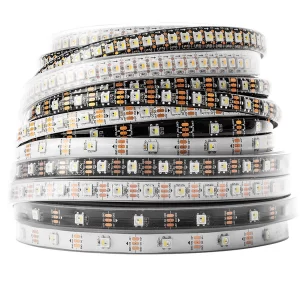
- Loose component, assembled PCB or finished strip requirement.
- Quantity and unit for samples and production.
- Approved schematic reference and signal-routing requirements.
- Defined evaluation criteria, including any fault scenario that matters.
- Destination country and target delivery requirement.
Keep performance claims traceable
When requesting support, describe the application rather than promising a result from a family label. For example, explain whether the project involves a decorative fixture, a PCB module or an assembled lighting product. Document the expected operating conditions and ask which details are still needed for review.
Obtain current quotation terms separately. Technical documentation does not establish stock, minimum order quantity or lead time, and a website article does not replace engineering qualification.
Buyer questions
Does dual-signal mean every failure is bypassed? Do not assume that. Define the relevant failure and verify the exact device, circuit and test evidence.
Can WS2813 replace another addressable LED automatically? A replacement decision requires the exact electrical, mechanical and control requirements to be reviewed.
What if the full suffix is unknown? Mark the enquiry as identification or selection support and provide the available non-sensitive reference information.
Prepare a WS2813 enquiry
Browse digital LEDs and RGBIC components or read the LED component RFQ checklist. Send YF-WIND your requirements, including the exact reference, quantity, application and questions requiring engineering review.